ChinaSat 11 Free-to-air TV Channels at 98.0° East
To watch Free-To-Air (FTA) channels from the Chinasat-11 satellite (98.0°E), you’ll need the right equipment and setup. Here's a step-by-step guide tailored for users in India and nearby regions:
Required Equipment
Ku-Band Dish Antenna (typically 60cm to 90cm diameter)
Universal Ku-Band LNB (preferably high-gain, low-noise)
FTA MPEG-2 or MPEG-4 Set-Top Box (supports blind scan and DiSEqC if using multiple satellites)
Coaxial Cable (RG6 recommended)
DiSEqC Switch (optional, if combining with DD Freedish or other satellites)
Installation Steps
Align Your Dish to 98.0°E (Chinasat-11)
Use a satellite finder app or online tools like SatBeams to get azimuth and elevation angles for your location.
Point your dish precisely toward 98.0°E using a compass and inclinometer.
Connect the LNB and Receiver
Mount the Ku-Band LNB on the feed arm.
Connect the LNB to your FTA receiver using RG6 coaxial cable.
Scan for Channels
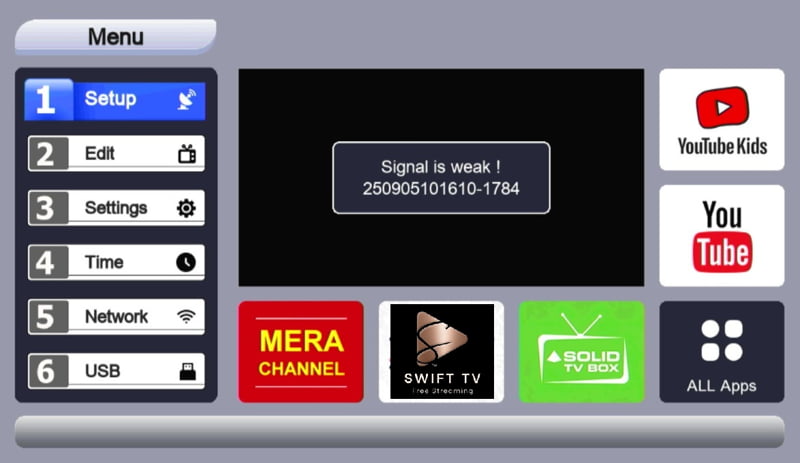
On your receiver, go to satellite settings and select or add “Chinasat-11 (98.0°E)”.
Choose “Blind Scan” or enter known transponder frequencies manually.
Save the scanned channels.
Fine-Tune Signal
Adjust dish position slightly to maximize signal strength and quality.
Lock the dish in place once optimal signal is achieved.